React Native vs Ionic
React Native renders real native components from JavaScript; Ionic runs a web app inside a native shell with Capacitor. Both let web developers build mobile apps, but they make different trade-offs between native feel and code reuse.


The short answer
Choose React Native when you want a native look and feel, smoother performance for complex interfaces and access to a large mobile ecosystem. Choose Ionic when you want to reuse an existing web app or web skills, ship to iOS, Android and the web from one codebase, and your app is mostly forms, lists and content.
React Native, maintained by Meta and the open-source community, lets you write mobile apps in JavaScript or TypeScript using React. Your components map to real native views on iOS and Android, so buttons, lists and text inputs are platform components rather than web elements. Expo, a popular toolkit around React Native, simplifies builds, updates and access to device features.
Ionic is a UI toolkit of mobile-styled web components that works with Angular, React or Vue. Apps run inside a native web view, and Capacitor, Ionic’s native runtime, provides access to device features through plugins and packages the app for the app stores. Because it is a web app underneath, the same code can also run as a website or progressive web app. Both are proven choices; the deciding factors are performance needs, existing code and team skills.
Side by side
React Native vs Ionic at a glance
| Criterion | React Native | Ionic |
|---|---|---|
| Rendering | Native platform components driven by JavaScript. | Web components rendered in a native web view. |
| Look and feel | Native by default. | Mobile-styled web UI that adapts to each platform. |
| Performance | Smoother for complex lists, gestures and animations. | Good for typical business apps; heavy UI can feel less fluid. |
| Web code reuse | Shares logic with React web apps; UI is separate. | Same code runs on web, iOS and Android. |
| Frontend framework | React only. | Angular, React or Vue. |
| Device access | Native modules and Expo packages for most features. | Capacitor plugins, plus web APIs available in the web view. |
| Skills required | React plus some native mobile knowledge for edge cases. | Standard web skills: HTML, CSS and a JavaScript framework. |
| Styling | Style objects and flexbox, not full CSS. | Full CSS, including existing design system styles. |
| Ecosystem | Large mobile-focused library ecosystem. | Web ecosystem plus Capacitor and community plugins. |
| Best fit | Consumer apps and products where native feel matters. | Internal tools, field apps, content apps and web-first products. |
Decision guide
Which one fits your situation
Choose React Native when
- Your app needs native-feeling navigation, gestures and long, fast-scrolling lists.
- You are building a consumer product where polish affects ratings and retention.
- Your team knows React and is willing to learn mobile-specific patterns.
- You want access to a large ecosystem of mobile libraries and Expo tooling.
- You plan complex animations, media or real-time interactions.
Choose Ionic when
- You already have an Angular, React or Vue web app and want mobile apps quickly.
- You need one codebase for web, iOS and Android, including a progressive web app.
- Your app is mostly forms, data entry, lists and content.
- Your team are web developers without mobile experience.
- You want to reuse an existing CSS design system on mobile.
In detail
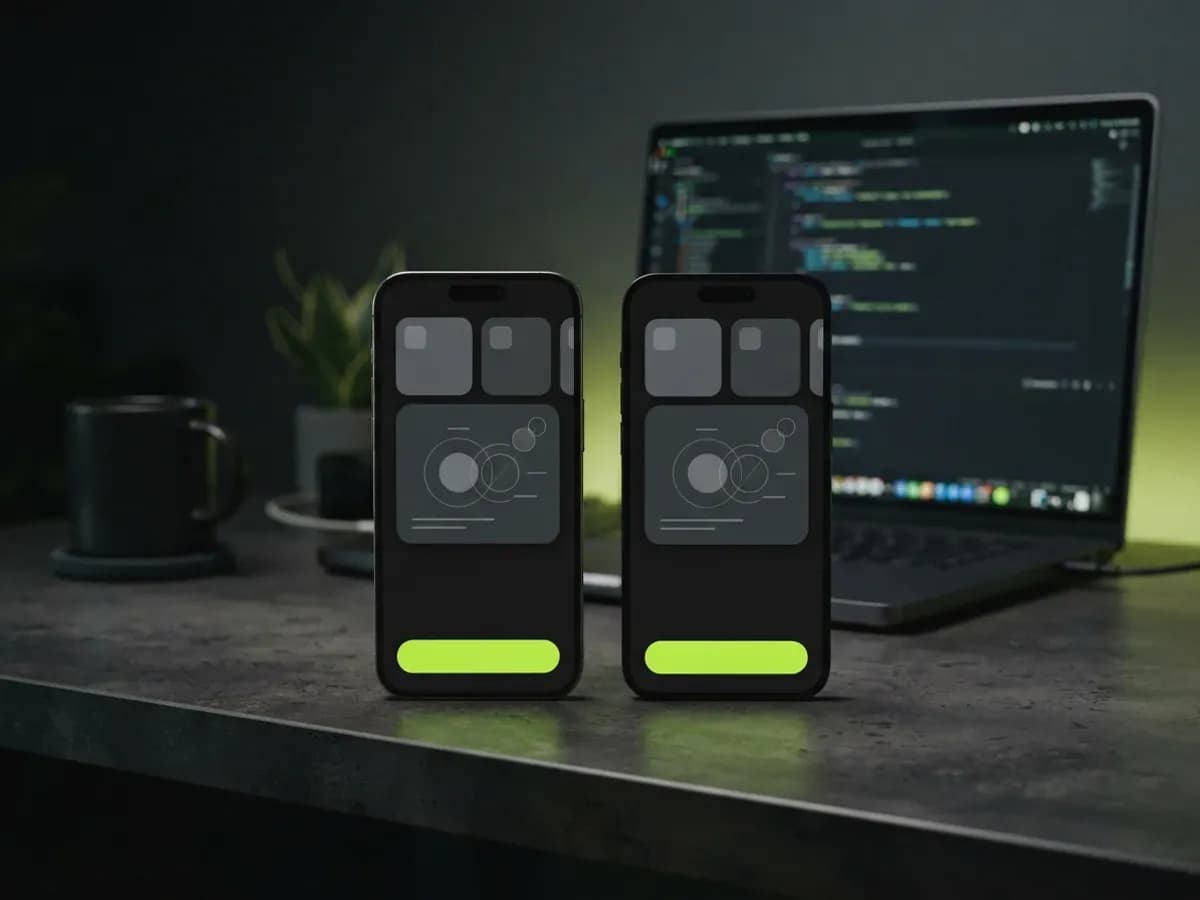
Native components versus web views
The core difference is how the interface is drawn. React Native translates your components into real iOS and Android views, so a list scrolls with native physics and a text field behaves exactly like other apps on the phone. Its newer architecture reduces the overhead between JavaScript and native code, which helps with responsiveness in complex screens.
Ionic renders HTML and CSS inside a web view, styled to resemble each platform. Modern mobile browsers are fast, and for typical business screens most users cannot tell the difference. The gap shows with very long lists, complex gestures, heavy animation and low-end Android devices, where a web view has less direct control over rendering than native components.
Code reuse and team skills
Ionic’s biggest advantage is reuse. If you have a web application in Angular, React or Vue, much of its code, styles and components can move into an Ionic app, and the same codebase can ship as a website. Web developers are productive immediately because they use the tools and CSS they already know.
React Native shares the React mental model and much of your business logic, state management and API code with a React web app, but the interface uses different primitives and styling. Teams usually keep separate UI components for web and mobile. In exchange, the mobile app behaves like a native app, and developers gain skills that transfer to other React Native projects.
Device features and plugins
Both frameworks reach common device features such as the camera, location, push notifications, biometrics and file storage. React Native uses native modules, with Expo providing a well-maintained set of packages and a build service. Capacitor provides official and community plugins for Ionic apps, and both let you write custom native code in Swift and Kotlin when a plugin does not exist.
For unusual hardware, background processing or new platform APIs, React Native’s ecosystem is larger and more mobile-focused. Ionic apps can also use web APIs directly, which is convenient for features that work the same in browsers, but web APIs are more limited on iOS than in native code. Check your must-have features against available plugins before choosing.
Maintenance and long-term fit
React Native apps need periodic upgrades that touch native build settings, and teams benefit from at least one developer who is comfortable with Xcode and Android Studio. Expo reduces much of this work by managing native configuration and builds for you. Over time, a React Native app stays closer to the platform, which makes adopting new OS features simpler.
Ionic apps are maintained much like web apps, with Capacitor handling the native layer. Upgrades are generally simpler for web teams, and fixes can ship to web and mobile at once. If your app later needs more native performance, you can move demanding screens to native code or migrate to a native or React Native app, reusing your backend and business logic.
How we help
Make the call with an engineer, not a sales pitch
We compare your feature list, performance needs and existing web code against both frameworks, and test risky features on real devices when needed. Then we recommend React Native, Ionic or another approach, and can build the app with a backend designed to serve web and mobile clients.
Mobile App Development
iOS and Android apps built cross-platform with React Native, backed by secure APIs and planned for app store success.
Explore serviceWeb Application Development
Fast, secure and accessible web applications built with React and Next.js, designed for real users and real traffic.
Explore serviceUI/UX Design
Research-led product design, prototypes and design systems that make complex software clear, usable and ready to build.
Explore service
FAQ
React Native vs Ionic: common questions
Is Ionic slower than React Native?
For typical business screens such as forms and simple lists, users rarely notice a difference. For complex animations, gestures, very long lists or low-end devices, React Native’s native components usually feel smoother.
What is Capacitor in Ionic?
Capacitor is the native runtime that packages an Ionic web app for iOS and Android and gives it access to device features through plugins. It can also wrap web apps that do not use Ionic’s UI components.
Can I reuse my web app code with React Native?
Partly. Business logic, API clients, state management and types can usually be shared with a React web app. The interface uses different components and styling, so screens are typically built separately for mobile.
Do Ionic apps get approved in the app stores?
Yes. Ionic apps built with Capacitor are real native packages and are published to the App Store and Google Play. Apple expects apps to offer more than a wrapped website, so include genuine app functionality.
Which is better for a startup MVP?
If you already have a web app or web team and need iOS, Android and web quickly, Ionic is often faster. If the product is a consumer mobile app where polish affects adoption, React Native is usually worth the extra mobile learning.
Keep comparing
Related comparisons
- React Native vs FlutterTwo leading cross-platform frameworks compared on language, rendering, performance, ecosystem and team fit.Read the comparison
- PWA vs Native AppWhen a progressive web app is enough, when you need a native app, and how reach, device access and maintenance costs differ.Read the comparison
- Native vs cross-platform app developmentBuild separate iOS and Android apps, or one shared codebase? How native and cross-platform development compare.Read the comparison
Still weighing your options?
Talk it through with a solution architect. We’ll recommend the option that fits your constraints, even if it isn’t us.
