Cross Platform App Development
We build iOS and Android apps from one shared codebase, so new features reach both platforms at the same time, while still respecting how each platform looks and behaves.

Overview
About cross-platform app development
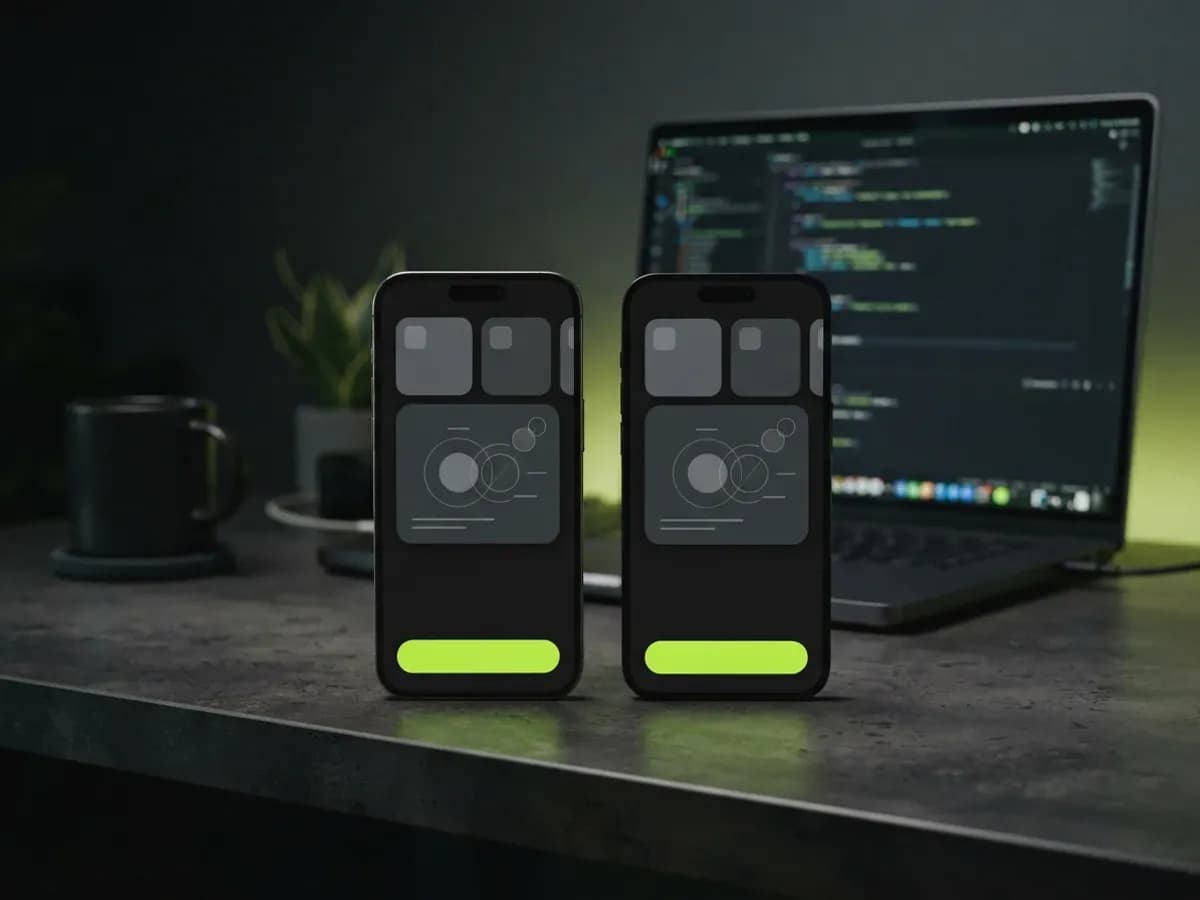
Maintaining two separate native apps means designing, building and testing every feature twice, and over time the iOS and Android versions tend to drift apart. Cross-platform development addresses that by sharing most of the code between both platforms. With React Native, our usual choice, the interface renders with real native components, business logic is written once in TypeScript, and a single team can ship to both stores on the same schedule.
Shared code does not have to mean a generic app. We design for platform differences where they matter to users, such as navigation patterns, date pickers, permissions prompts and haptics, and we write native modules in Swift or Kotlin when a feature needs direct access to the device. Because React Native uses TypeScript, the app can also share types, validation and API clients with a React web app or a Node.js back end, which reduces duplicated logic across your whole product.
Cross-platform is not the right answer for every project. Apps built around heavy graphics, complex real-time media or very specialized hardware may still be better served natively. We assess those requirements early and will recommend a native or hybrid approach when it fits your product better.
When you need it
- You need an app on both iOS and Android and want to launch them together rather than one after the other.
- Your current native apps have drifted apart in features and every change costs twice the effort.
- You already have a React or TypeScript web team and want to share skills and code with mobile.
- You are launching a new product and want to validate it on both platforms before committing to separate native teams.
- An existing React Native app has become slow, outdated or difficult to upgrade.
What’s included
Scope of the engagement
Architecture and framework choice
We confirm that cross-platform suits the product, choose between React Native with Expo or a bare setup, and plan where native modules will be needed.
Platform-aware design
One design system covers both apps, with deliberate variations for iOS and Android conventions so each version feels natural to its users.
Shared TypeScript codebase
Screens, state management, API clients and business rules are written once in TypeScript, with strict typing and tests that protect both platforms at once.
Native modules and integrations
When a feature needs device APIs that the framework does not cover, we write focused native modules in Swift or Kotlin and expose them to the shared code.
Performance tuning
We profile startup, list rendering and animations on real devices, and optimize bundle size and rendering so the app stays responsive on both platforms.
Unified build and release pipeline
One pipeline builds, tests and submits to the App Store and Google Play, with over-the-air updates for eligible JavaScript changes where store rules allow.
How we deliver
Our approach
Step 1
Feasibility and scope
We map required features against what cross-platform handles well, flag anything that needs native work, and agree on a first release scope.
Step 2
Design system and prototype
Shared components and platform variations are designed in Figma and tested as prototypes on both iPhone and Android devices.
Step 3
Iterative build
Each sprint delivers features to both platforms, with test builds through TestFlight and Google Play testing tracks for your team to review.
Step 4
Cross-device quality assurance
We test on a matrix of iOS and Android devices, covering accessibility, offline behavior and performance before submitting to both stores.
Step 5
Release and ongoing updates
Both apps launch together, then we keep framework versions current and ship improvements to both platforms from the same codebase.
Deliverables
What you receive
- iOS and Android apps published under your own store accounts
- A shared TypeScript codebase with documented architecture and native modules
- A component library and design system covering both platforms
- Automated tests and a CI pipeline that builds and submits both apps
- A device test matrix and release checklist
- Monitoring for crashes and performance across both platforms
- An upgrade plan for future framework and OS versions
 React Native
 TypeScript
- React
 Node.js
 PostgreSQL
 AWS
 Figma
Related
More from Mobile App Development
- Main serviceMobile App DevelopmentiOS and Android apps built cross-platform with React Native, backed by secure APIs and planned for app store success.
- iOS App DevelopmentNative iPhone and iPad apps built with Swift and Apple’s own frameworks, designed to Apple’s guidelines and shipped through the App Store.
- Android App DevelopmentNative Android apps written in Kotlin with modern Android tooling, tested across the device range your users carry and released on Google Play.
- Mobile App MaintenanceOngoing support that keeps iOS and Android apps stable, secure and compatible with each OS release, plus a steady flow of improvements.
FAQ
Cross-Platform App Development: common questions
Will a cross-platform app feel as good as a native one?
For most business apps, yes. React Native renders real native components, so lists, text inputs and navigation behave as users expect. The quality depends far more on design and engineering care than on the framework itself. Very graphics-heavy apps or those with unusual hardware needs are the main cases where native still has a clear edge.
Why React Native rather than Flutter?
Both are capable frameworks. We usually recommend React Native because it uses TypeScript, shares skills and code with React web apps and Node.js back ends, and renders native platform components. Flutter can be a good choice too, particularly for highly custom visual designs, and we discuss the trade-offs openly.
How much code is actually shared between iOS and Android?
Most of it, including screens, business logic, state and API access. The remainder is platform-specific configuration, native modules and small interface adjustments. The exact split depends on how many device-specific features the app needs.
Can we still use native features like widgets or Bluetooth?
Yes. Many native capabilities are available through maintained libraries, and where they are not, we write native modules in Swift or Kotlin. Some features, such as home screen widgets, are built natively and connected to the shared app.
Can you rescue or upgrade an existing React Native app?
Yes. We audit the codebase and dependencies, upgrade the framework in manageable steps, replace abandoned libraries and address performance problems. Older apps often benefit significantly from moving to the newer React Native architecture.
Planning cross-platform app development?
Tell us where you are today and a solution architect will reply with clear next steps.
